Built-in Command Line Utilities
If you pip installed the PySimpleGUI package, then setuptools automatically added several commands that you can enter from the command line. These command invoke specific functionality within PySimpleGUI itself. These commands include:
- psgmain
- psghelp
- psgsettings
- psgver
psgmain
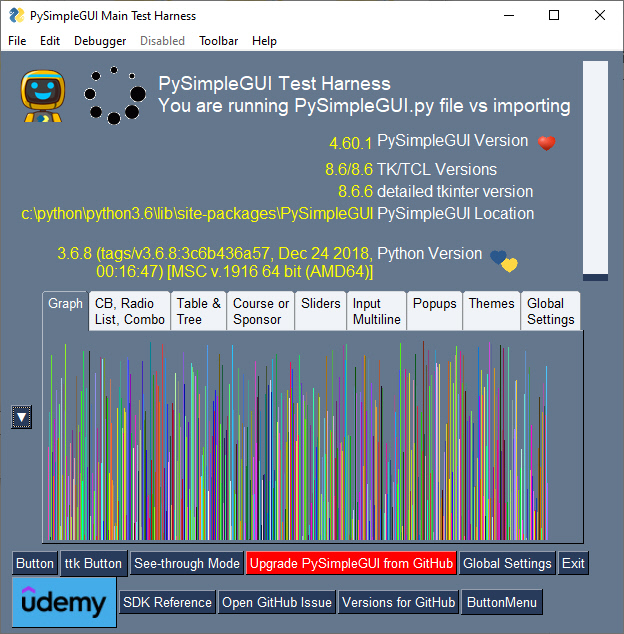
Equivalent to your program calling sg.main(). This will run the "PySimpleGUI Home Window", a utility used to:
- Collect version information
- Launch the other built-in utilities
- Change system settings
- Access the SDK Help Window
- Test individual elements
- Test popups
- Try different color themes
- Udemy course information
psghelp
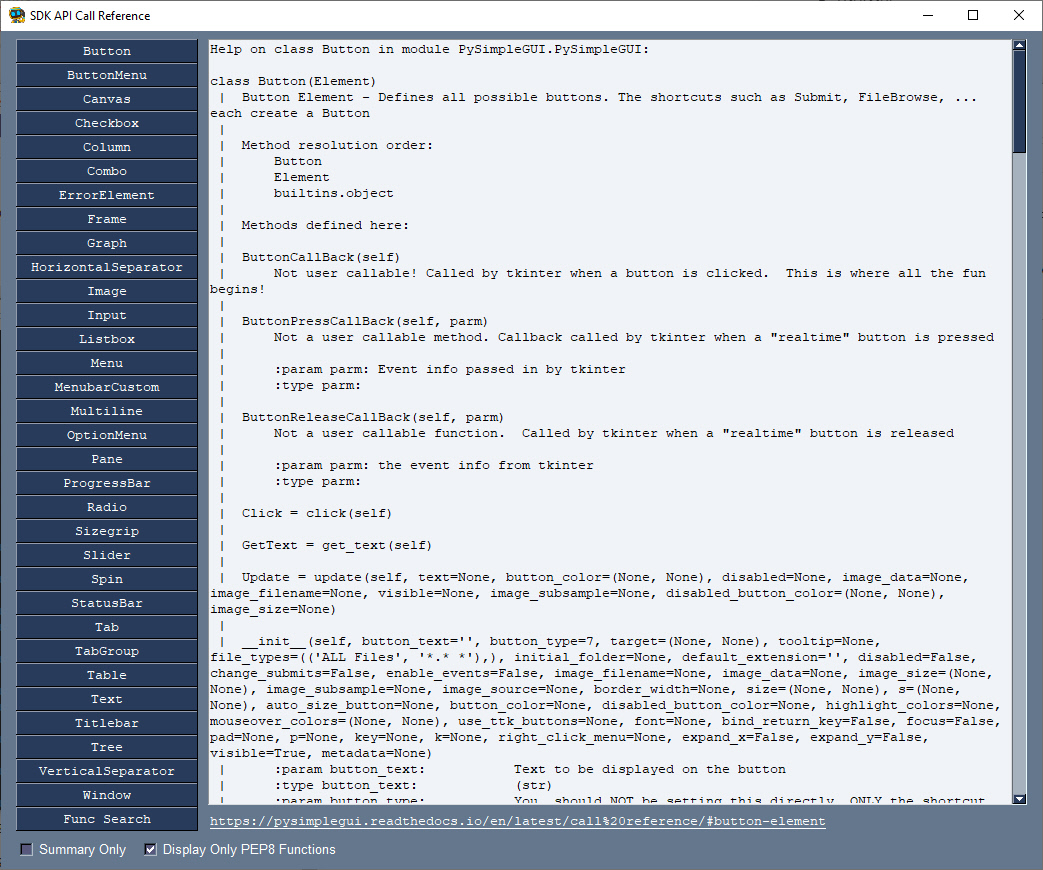
A graphical interface to the built-in help system that Python provides. This window makes it easier for you to look up parameters, available methods, functions, etc. Additionally, the bottom of the window contains a clickable link that will take you to the matching page in the online call reference.
You can open this same window via the PySimpleGUI Home Window by clicking the "SDK Reference" button.
psgsettings
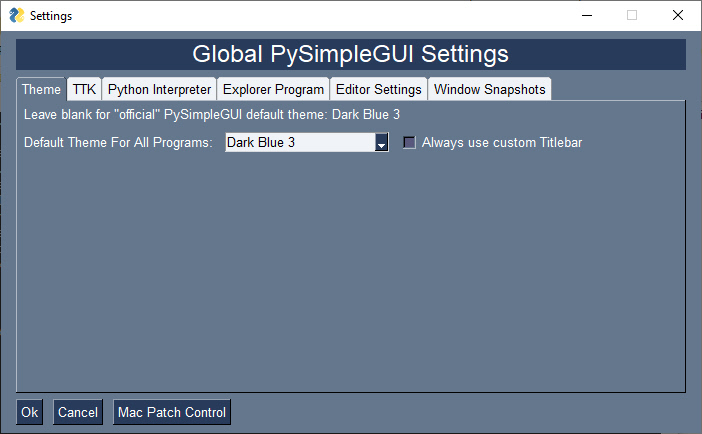
Provides access to the PySimpleGUI Global Settings. This same window is available from the PySimpleGUI Home Window by clicking the "Global Settings" button
psgver
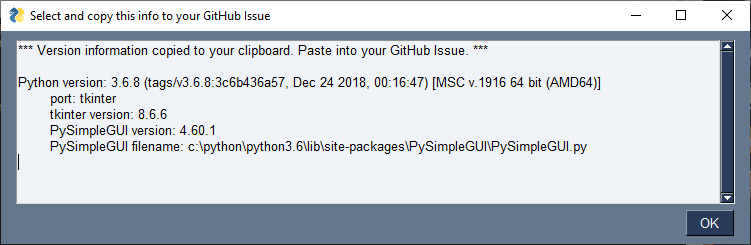
This window contains information that is required when posting GitHub Issues. The window is opened when running the psgver command or by clicking the button labeled "Versions for GitHub". The text in the window tells you that this information has been placed on the Clipboard to make it easy for you to paste into an issue if using the web interface to GitHub.